
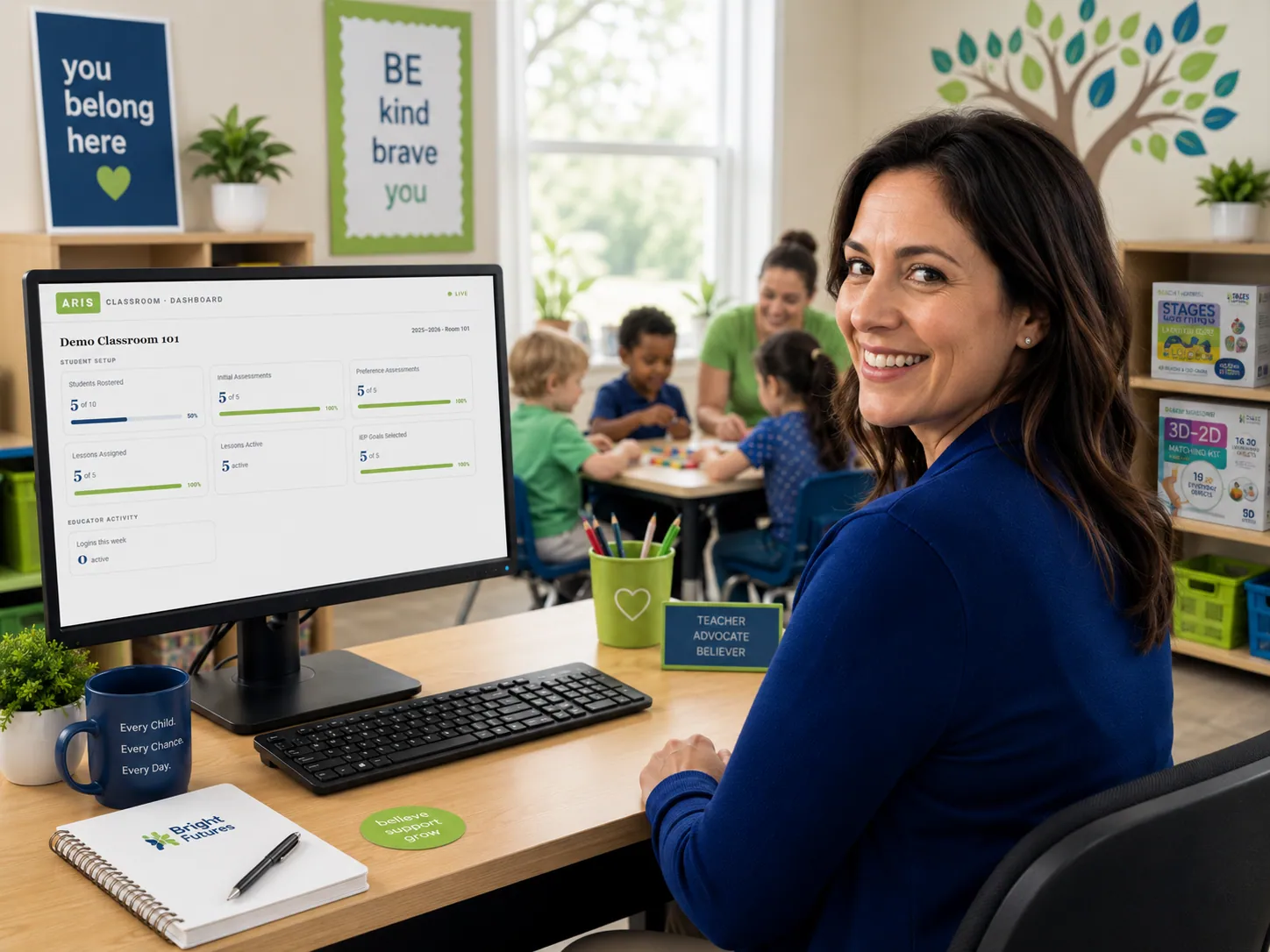
From day one
Onboarding that walks you, your paras, and your specialists into ARIS together — what to teach, where the materials live, how data goes in, what good looks like.
Not a 90-minute webinar and a slide deck.
Lessons sequenced. Materials matched to each one. IEP goals already tracking. You came here to teach kids — ARIS handles the busywork so you actually can.
Want the full feature tour? See everything ARIS is →
Monday · 7:52 AM
Every student mapped. Nothing to assemble.
Step 1
ARIS comes with all the teaching tools you need
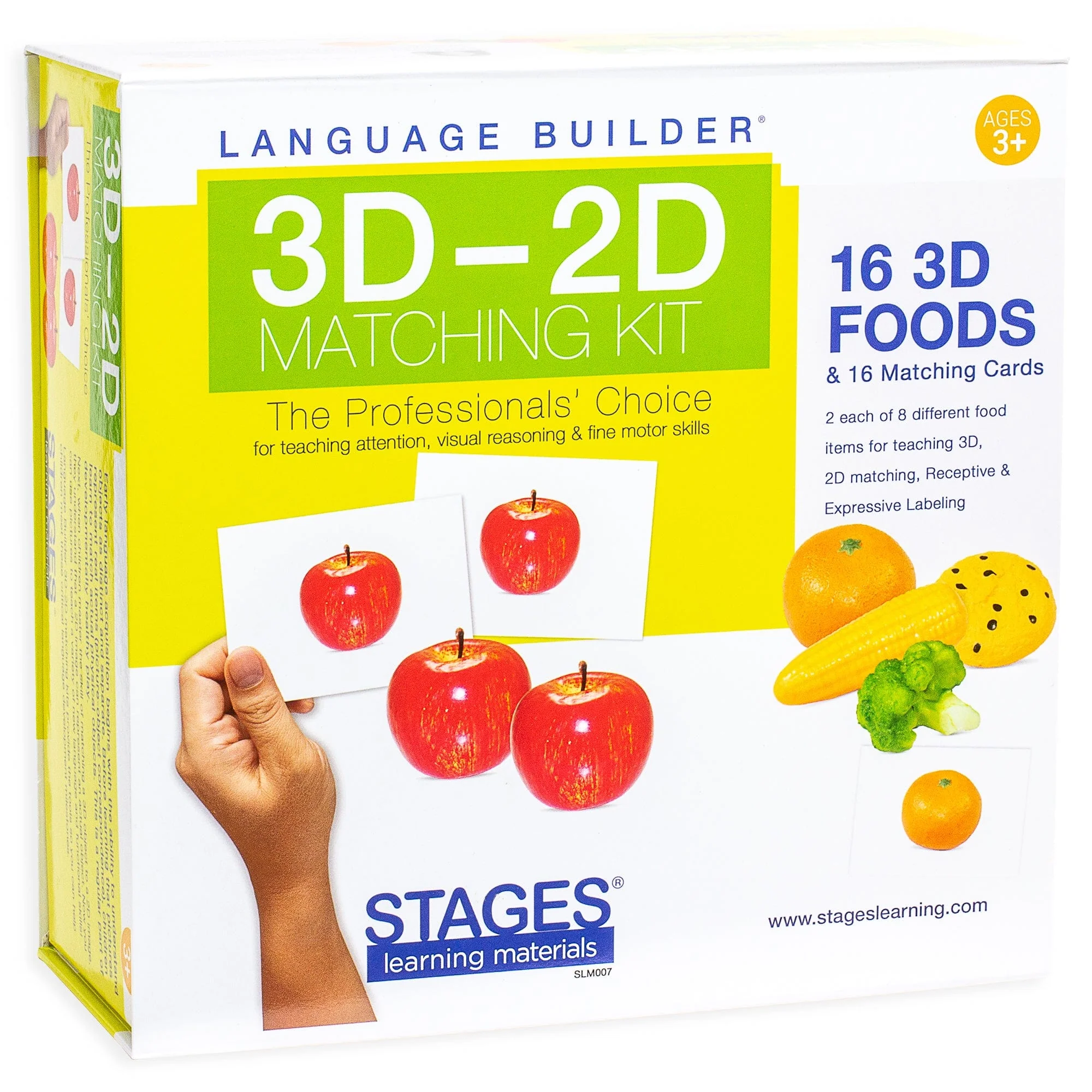
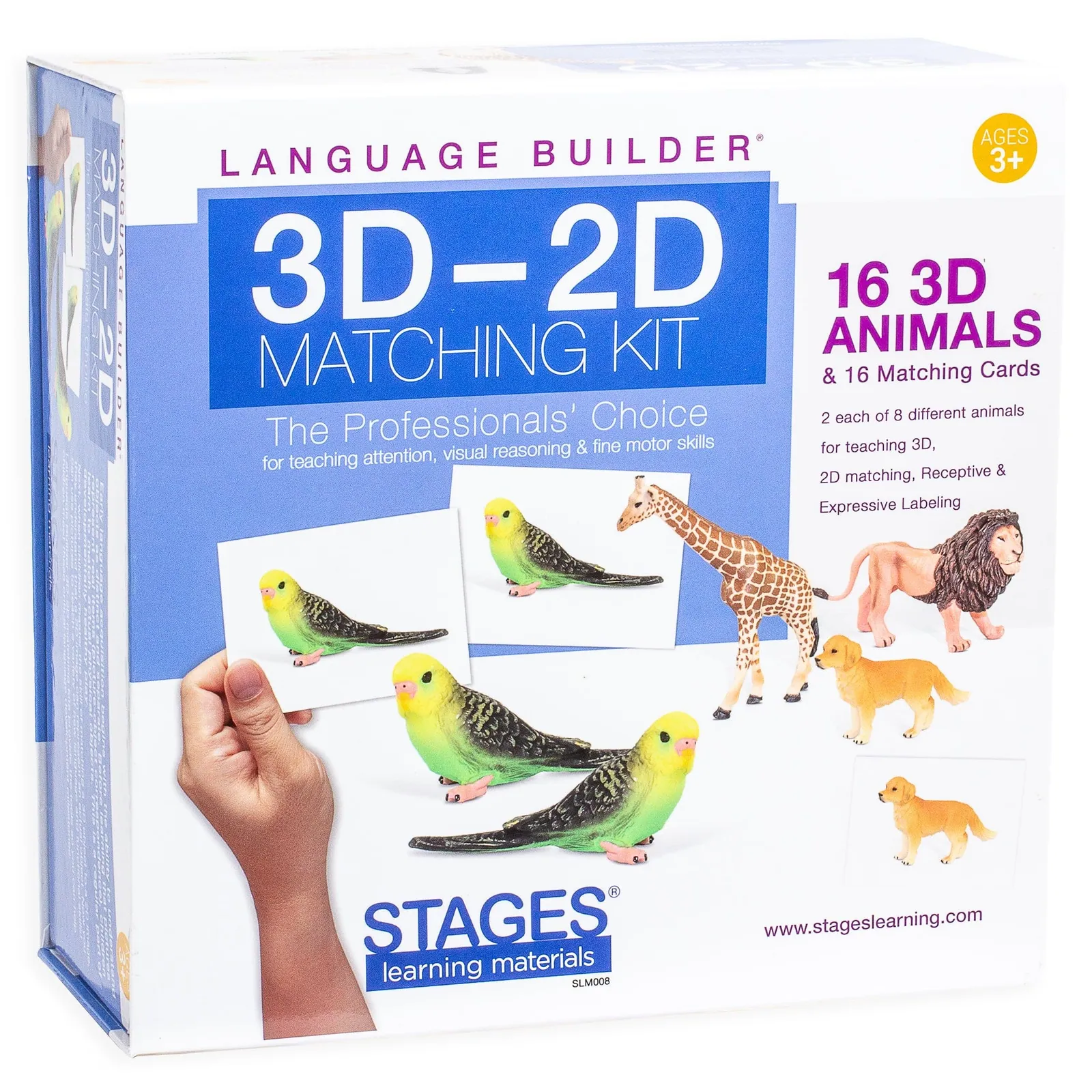
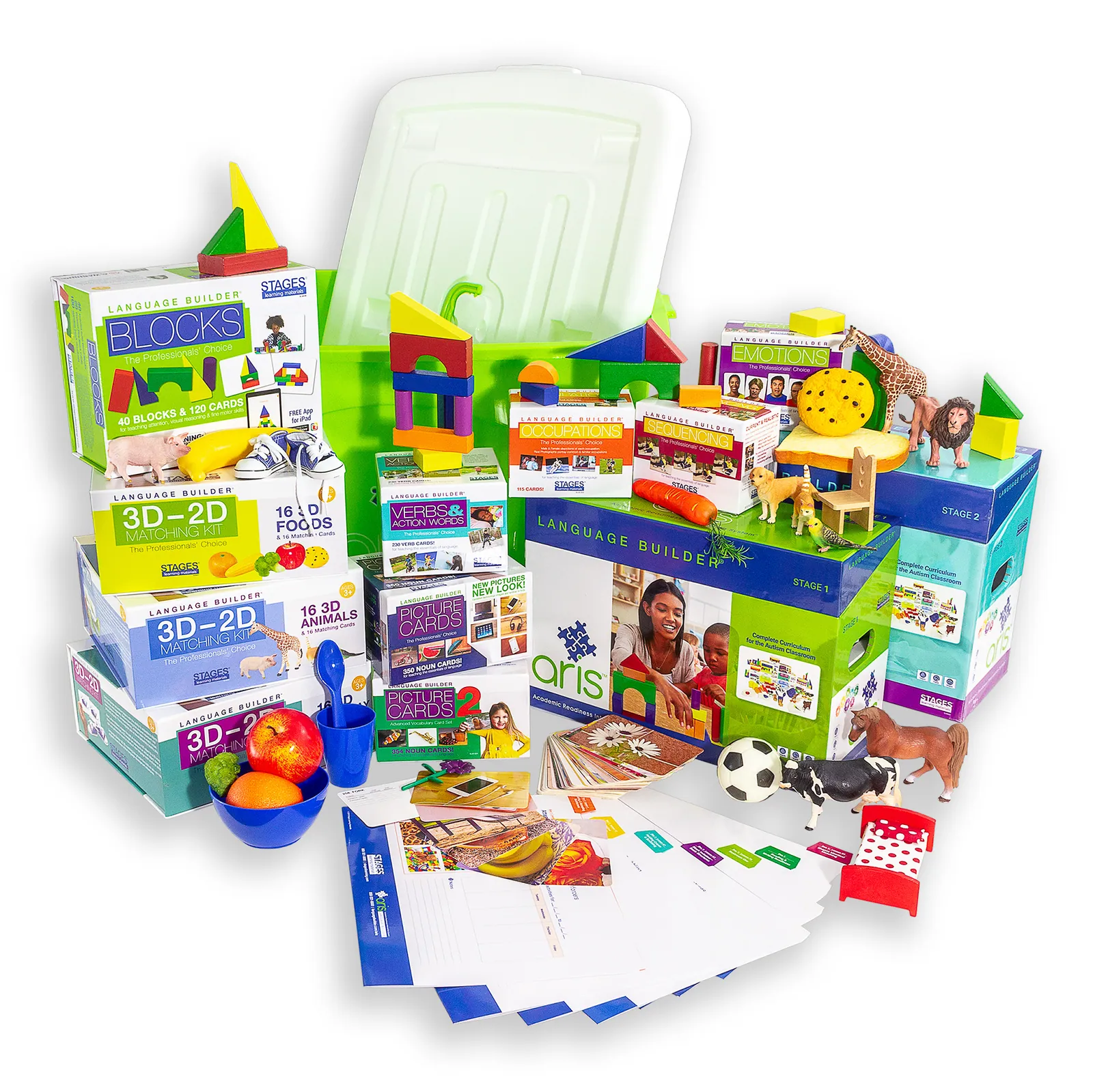
No scavenging for manipulatives the night before. Open three green tubs, check each item off, and you're teaching day one — every lesson's materials are already in your hands.
 Lessons · Receptive Labeling
Live
Lessons · Receptive Labeling
Live
Language · Receptive Language
Lesson 19
Lesson Focus
Student receptively identifies common photo-noun cards across categories — foods, animals, vehicles, everyday objects, and more.
Suggested materials — pull from your kit
Foods
Animals
Everyday Objects
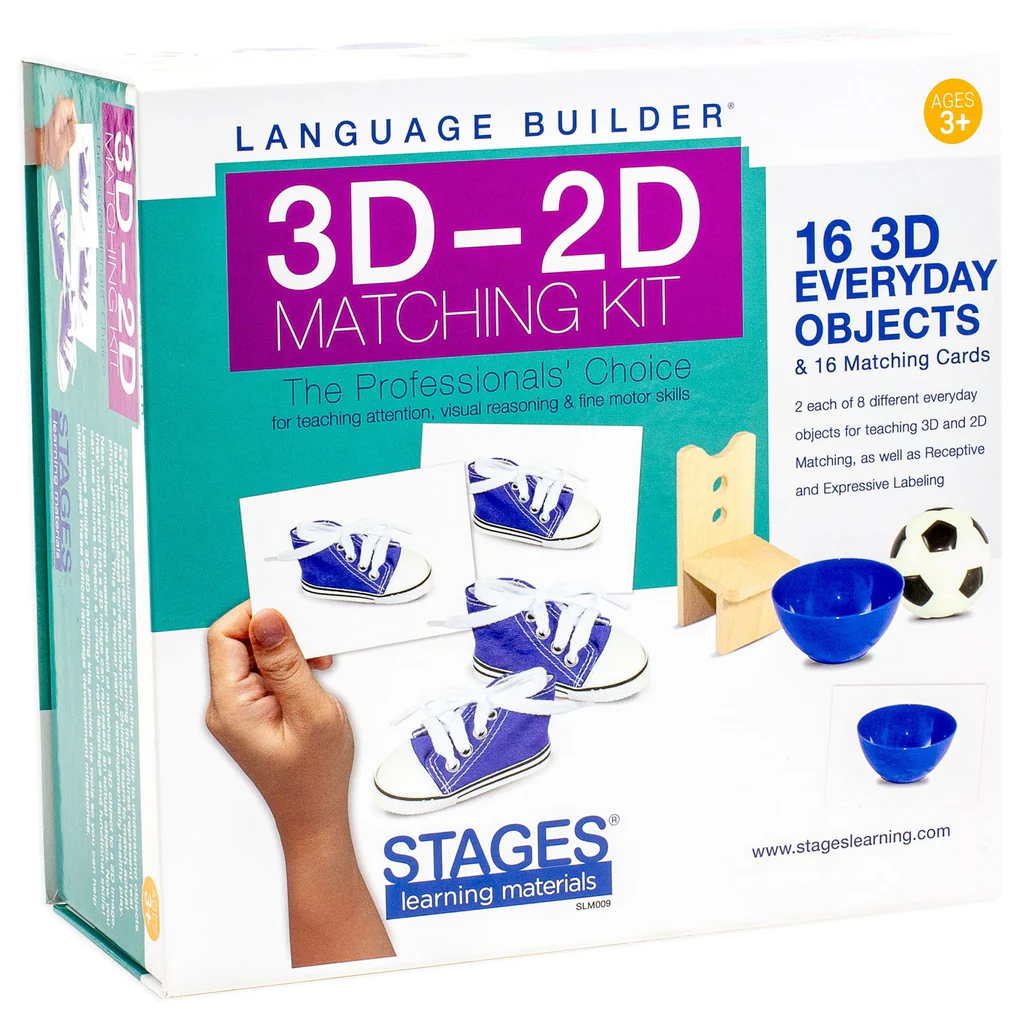
Picture Nouns

Everything you need is already in your room.
Step 2 · One Screen
Start the day with a clear view of who needs your support, who can work independently, and how to bring the class together — without piecing it all together from binders.

Today is planned for every student.
Lessons match goals. You’re ready to go.
Ethan Williams
L13 · 3D to 2D Matching
Sofia Patel
L71 · Taking Turns
Liam Rodriguez
L47 · Holding Crayon & Scribbling
Amy Johnson
L32 · Expressive Labeling - Verbs
That’s the morning ARIS hands back. Every learner is already on the lesson that moves their goal — so those forty-five minutes go to teaching, not assembling the day.
Step 3 · Run The Room
Lessons are already identified to move each learner toward their IEP goal — see which product each needs, so you can build stations around products, space, time, and the staff you actually have.
Lessons · Product View
Live
Grouped by product
3D-2D Matching Kit: Animals
Ethan Williams
→ L12 · 3D to 3D Matching
Sofia Patel
→ L13 · 3D to 2D Matching
3D-2D Matching Kit: Foods
Ethan Williams
→ L12 · 3D to 3D Matching
Sofia Patel
→ L13 · 3D to 2D Matching
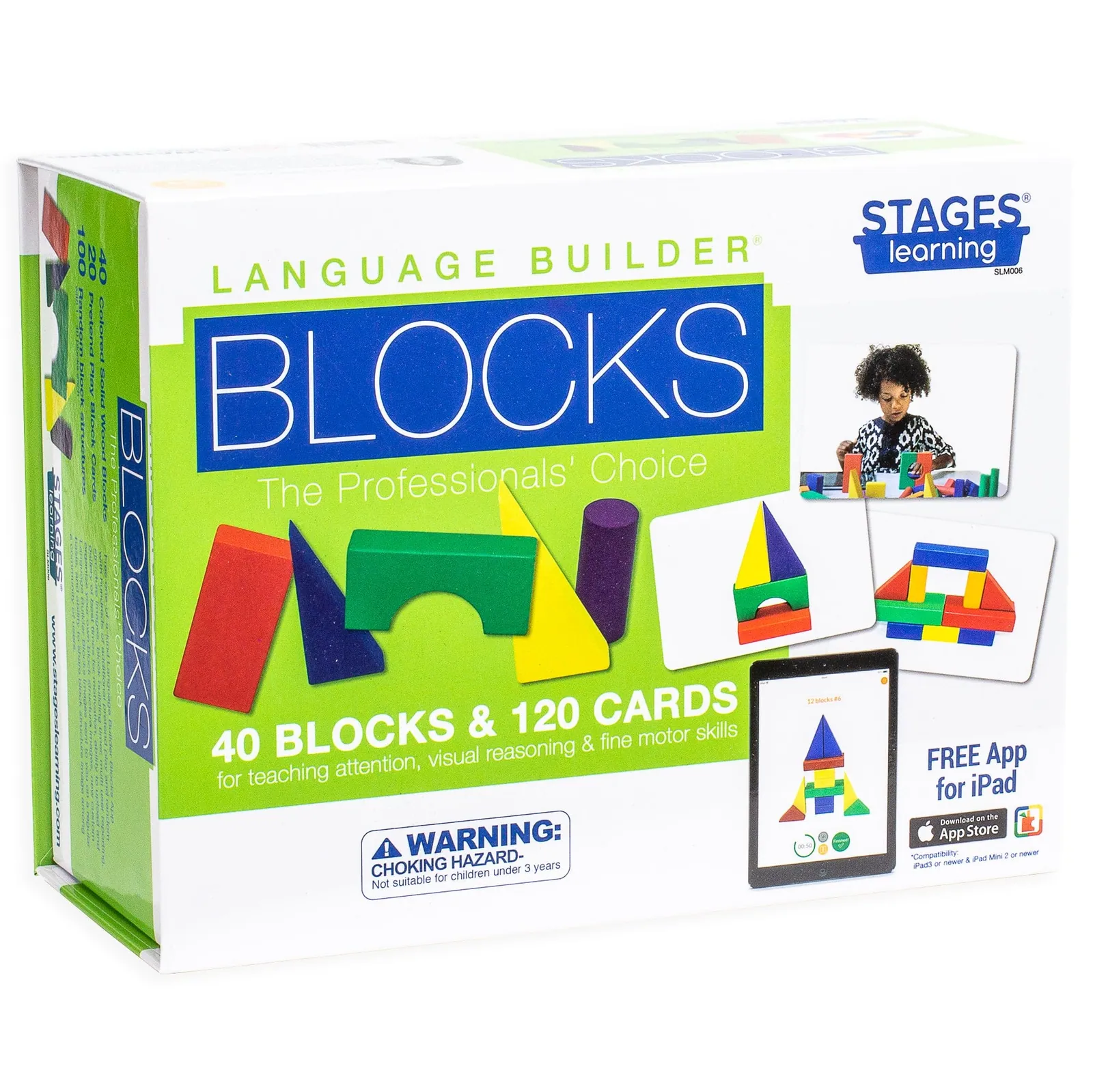
Language Builder: Blocks
Ethan Williams
→ L12 · 3D to 3D Matching
Sofia Patel
→ L13 · 3D to 2D Matching
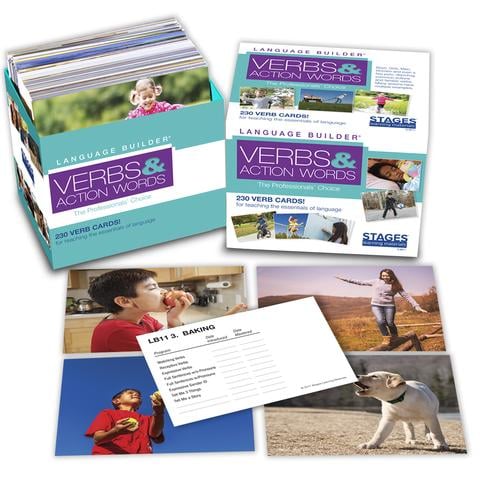
Verbs & Action Words Cards
Ethan Williams
→ L10 · Following Single Verb Commands
The Product View clusters every student by the exact kit their next lesson needs. One para, one table, one product — and everyone who belongs there is already on the list.
Step 4 · Every Student
Pick a learner and everything that matters is right there — what's up next, how skills are trending, and what motivates them — so any adult can step in and pick up exactly where you left off.
Profile, preferences, notes, files, assessments, plan, lessons, IEP goals, and reporting — one record, always current, for every learner in the room.
Amy Johnson · Dashboard
Live
Up Next
Fill out Amy's profile with likes & dislikes
Personalize the learning experience.
Quarterly assessment is up to date
Recent assessment data available.
Initial assessment complete
Baseline data is available.
Skills tracking over time
2025 / 2026Generated as you teach — IEP-ready, never reconstructed.
Step 5 · Hours Back
Every lesson already maps to a measurable IEP goal, and the data you take while teaching drives each student's personalized path forward. IEP season stops being a second job.
Amy Johnson · IEP Goals
Live
Match identical objects across 3 categories
Auto-mapped from Lesson 12 · 13 · 14
Follow single-step verb commands
Auto-mapped from Lesson 10 · 11
Receptively label 20 common nouns
Auto-mapped from Lesson 19 · 24
Because lessons and goals are built on the same framework, every time you enter data, progress toward IEP goals updates automatically. Teachers report saving hundreds of hours across the school year.

Step 6 · One Team
The entire team can easily access shared information to encourage consistency and collaboration — no handoff meeting required.
 Liam Rodriguez · Notes
Live
Liam Rodriguez · Notes
Live
You · Teacher · Today · 9:14 AM
Liam matched the 3D apple to the 2D apple picture 9/10 today — ready to fade the model prompt.
M. Alvarez · SLP · Yesterday · 1:02 PM
Pairing the same 3D-to-2D matching set in speech. Same target, same materials.
J. Park · Para · Mon · 8:40 AM
Ran the AM station per the note — Liam needed 1 fewer prompt than Tuesday.
When all members of the team are looking at the same information, a student never loses momentum because one team member is out.
From your first week to your last Tuesday in May, your Stages coach shows up three ways — at the start, on the platform every day, and on the floor with you all year.

From day one
Onboarding that walks you, your paras, and your specialists into ARIS together — what to teach, where the materials live, how data goes in, what good looks like.
Not a 90-minute webinar and a slide deck.
Coaching · Your Stages Team
Live

Maria Alvarez
Your Stages Implementation Coach
Saw Amy's data — let's adjust Lesson 14 together. Free at 2pm?
Maria · 5m ago
Next onsite coaching
April 22, 2026
Room 101 · full-day modeling & co-teaching
Inside the platform
Your Stages coach is visible inside ARIS — chat, scheduled check-ins, and next-step practice items based on the data you're actually taking. Same place you teach from.
Not a separate phone number you hope someone answers.

In your classroom
Coaching packages with regular onsite visits — modeling, co-teaching, real-time feedback — from light-touch quarterly check-ins to full-immersion monthly support. Whatever it takes to keep your students moving.
Not a binder and a fly-in once.
“The comprehensive lesson folders provide easy-to-understand procedures, suggested prompts and lesson progression, which makes planning simple and makes it easy to direct paraprofessionals to work with a student on a lesson.”
“I had no idea how transformative having a curriculum would be until I saw it in action.”
“ARIS has aligned with our special education program by providing a curriculum that meets our students' needs. Teachers are able to figure out where their students are educationally and be intentional about where to start and where to go next.”
“Each lesson is designed with explicit goals and objectives, making it easy for educators to plan and implement lessons while adapting to individual student needs.”
“All is going so well - my teachers are loving ARIS.”
“The ARIS curriculum has revolutionized the daily workflow within our Intensive Instructional Classrooms.”
A 30-minute walkthrough with our team is the fastest way to see how ARIS fits the students, the materials, and the schedule you already have.
Curious about the engine behind it? Explore the full ARIS platform →